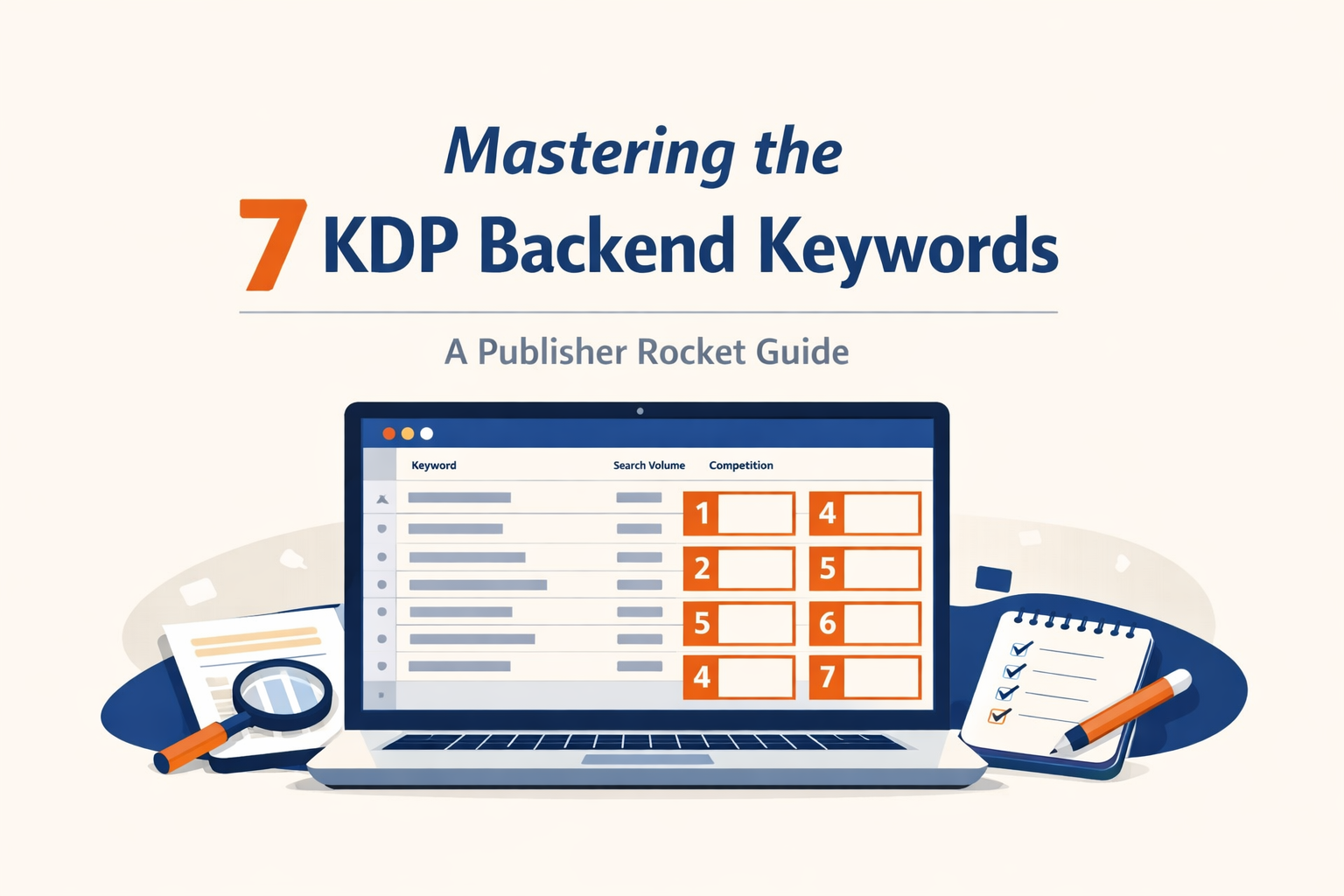
Mastering the 7 KDP Backend Keyword Boxes: A Step-by-Step Publisher Rocket Guide
KDP BasicsDecember 24, 2025•19 min read
—
Introduction: Why Your KDP 7 Backend Keywords are the Key to Your Book’s Success
You have written a polished manuscript and designed a genre-perfect cover. Yet, without the right metadata, your book is effectively invisible. While your title and blurb convince readers to buy, it is your backend keywords that convince Amazon to show your book to those readers in the first place.
These seven input fields are often treated as an afterthought during the upload process, but they are arguably the most critical leverage point for organic visibility.
The Invisible Engine of Amazon SEO
To master KDP, you must stop viewing Amazon solely as a bookstore and start viewing it as a search engine. Just like Google, Amazon’s A9 algorithm relies on data signals to match a user’s query with the most relevant product.
Your 7 backend keyword boxes act as the invisible engine powering this discovery. They provide you with up to 4,000 characters (depending on categories and marketplace) to tell Amazon exactly what your book is about. When optimized correctly, these keywords index your book for hundreds of search queries, driving organic traffic without costing you a cent in advertising. If you ignore them, you are relying on luck rather than logic.
Why ‘Set It and Forget It’ is Killing Your Sales
One of the most dangerous myths in self-publishing is that keyword research is a one-time task. The market is dynamic; reader search habits evolve based on seasonal trends, pop culture, and shifting genre tropes.
If you filled your 7 boxes three years ago and haven’t touched them since, your book is likely suffering from keyword stagnation. A term that was high-volume in 2021 might be a ghost town today. To maintain consistent sales, you must treat your backend keywords as a living part of your marketing strategy, reviewing and updating them to reflect current search intent.
How Publisher Rocket Changes the Keyword Game
Historically, finding the right keywords was a guessing game based on intuition. Publisher Rocket removes the guesswork by providing real-time data on what readers are actually typing into the Amazon search bar.
Instead of hoping a phrase works, Publisher Rocket allows you to validate your ideas against two critical metrics: Estimated Monthly Search Volume and Competition Score. This tool allows you to identify the “Goldilocks” keywords—phrases with high reader demand but low enough competition that a new or backlist book can actually rank for them. In the following sections, we will use this software to turn your 7 backend slots into a high-conversion funnel.
Understanding the Fundamentals: What are the 7 KDP Backend Keyword Boxes?
Before diving into Publisher Rocket data, it is critical to understand the mechanism you are trying to manipulate. The 7 KDP backend keyword boxes act as your book’s invisible metadata infrastructure. While your cover and description convince a human to buy, these boxes convince Amazon to show your book to that human in the first place.
The Anatomy of the KDP Metadata Dashboard
Located within the “Kindle eBook Details” or “Paperback Details” tab of your project setup, you will find the distinct keyword section. Unlike the description field, which is a single block of text, Amazon provides seven separate input fields. These are not visible on your sales page; they exist strictly for the search bots. Think of these slots as high-value real estate—every inch must be utilized to maximize your book’s discoverability.
Characters vs. Words: Navigating the 50-Character Limit per Box
A common misconception among new authors is that they are limited to seven individual words (e.g., “Mystery,” “Thriller,” “Crime”). In reality, you have seven boxes, and each box has a 50-character limit (including spaces).
This means you are not inputting seven words; you are inputting seven strings of text. You can—and should—include multiple keyword phrases within a single box, provided they fit within the character count. For example, rather than just typing “Vegan,” a single box could contain “Vegan Diet Cookbook Easy Recipes.” This distinction exponentially increases the number of search terms you can target.
How the Amazon A9 Algorithm Indexes Your Backend Keywords
The Amazon A9 algorithm is a “broad match” engine. It takes the words from your title, subtitle, and these seven backend boxes and combines them into a searchable index.
You do not need to repeat words found in your title or subtitle in these boxes; doing so wastes precious space. Furthermore, the algorithm is smart enough to mix and match words from different boxes. If Box 1 contains “Sci-Fi” and Box 2 contains “Space Opera,” Amazon can index your book for the customer search query “Sci-Fi Space Opera.”
The Difference Between Search Terms and Browse Categories
Finally, distinguish between keywords and categories.
-
Browse Categories are the digital bookshelves where your book sits (e.g., Kindle Store > Mystery > Cozy).
-
Search Terms (Keywords) are what a user types into the search bar to find a book (e.g., “funny murder mystery with cats”).
Your backend keywords bridge this gap. By selecting the right search terms, you not only appear in manual searches but also train Amazon to place your book in the correct browse categories automatically.
Step 1: Deep Keyword Research Using Publisher Rocket
Before you even think about typing a single character into your KDP dashboard, you must abandon the “guessing game.” Most self-published authors fail because they rely on intuition rather than data. To populate your 7 backend keyword boxes effectively, you need granular data on what real Amazon customers are actually typing into the search bar. This is where Publisher Rocket becomes indispensable.
Utilizing the Keyword Search Feature for Data-Driven Insights
The foundation of your strategy begins with the Keyword Search feature. Unlike Google SEO tools, which focus on informational intent, Publisher Rocket scrapes Amazon’s database for transactional intent; phrases used by people with credit cards in hand.
Start by inputting a broad “root keyword” relevant to your genre (e.g., “Time Travel” or “Keto Diet”). The software will generate a list of related terms derived from Amazon’s auto-suggest algorithm. This list represents the actual vernacular of your potential readers. Your goal here isn’t to pick the most popular word, but to harvest a wide array of relevant search queries that describe your book’s specific niche.
Analyzing Average Monthly Earnings and Competitive Scores
Data is useless without interpretation. As you scan the list generated by Publisher Rocket, you must weigh two critical metrics against one another to find your “sweet spot”:
-
Average Monthly Earnings: This figure reveals the financial viability of a keyword. It tells you if the books currently ranking for this phrase are actually making money. High search volume means nothing if it doesn’t convert to sales.
-
Competitive Score: Rated from 0 (easy) to 100 (hard), this proprietary metric estimates how difficult it will be to rank on the first page for that keyword based on the strength of existing competitors.
For your backend keywords, prioritize terms with a healthy Average Monthly Earnings (proving demand) but a Competitive Score below 40. This balance ensures you are targeting profitable keywords where your book has a realistic chance of becoming visible.
Identifying High-Volume Long-Tail Phrases Your Competitors Miss
The magic of the 7 backend boxes lies in the 50-character limit per box. This is the perfect environment for long-tail keywords, specific phrases containing three or more words.
Publisher Rocket excels at unearthing these gems. While your competitors are fighting over generic terms like “Thriller,” you should be looking for specific phrases like “psychological thriller with female protagonist.” These long-tail phrases generally have lower competition scores but significantly higher conversion rates because they match the reader’s specific intent. Identifying these phrases allows you to fill your character limits efficiently without wasting space on single words that are too competitive to rank for.
Reverse Engineering Top Sellers with the Competition Analyzer
Finally, look outside your own data set and observe the market leaders. Use the Competition Analyzer and input the ASINs of the top-selling books in your category. This feature allows you to see exactly which keywords are driving traffic to their listings.
By analyzing the metadata and customer behavior surrounding these bestsellers, you can reverse-engineer their success. Look for recurring keyword themes that you may have missed in your initial sweep. If a specific phrasing appears frequently among the top 10 books in your niche, it belongs in your keyword strategy. This isn’t about copying; it’s about understanding the market landscape so you can position your book directly in the current of reader traffic.
Step 2: Narrowing Down Your List for the 7 Strategic Slots
By now, you should have a Publisher Rocket export file teeming with hundreds of potential keywords. While having a massive dataset is empowering, it can also lead to analysis paralysis. You only have seven backend keyword boxes (with a 50-character limit per box), making this some of the most valuable digital real estate for your book.
To transform that raw data into a high-converting strategy, you must ruthlessly curate your list. Here is how to filter your Publisher Rocket data to find the gems that will actually drive sales.
The ‘Relevancy First’ Rule: Filtering Your Publisher Rocket Export
Before looking at the numbers, you must look at the context. Relevancy is the absolute gatekeeper. A keyword might have 10,000 monthly searches and a low competition score, but if it doesn’t accurately describe your book, it is useless. Amazon’s algorithm tracks conversion rates; if users click your book via a keyword but don’t buy it because it wasn’t what they were looking for, Amazon will stop showing your book for that term.
Go through your CSV export line by line. Ask yourself: If a reader types this phrase and finds my book, is exactly what they wanted? If the answer is “maybe” or “no,” delete the row immediately.
Sorting by Search Volume vs. Competition Difficulty
Once you have a list of relevant terms, it’s time to find the “Sweet Spot.” You are looking for high demand and low supply.
In your spreadsheet, look at two specific columns from Publisher Rocket: Estimated Amazon Searches/Month and the Competitive Score.
-
High Volume: generally, look for keywords with at least 500+ searches per month.
-
Low Competition: Look for a Competitive Score under 40 (often highlighted in green in the software).
Sort your sheet to prioritize keywords that have the highest search volume while maintaining a low-to-moderate difficulty score. These are your “low-hanging fruit” opportunities.
Identifying Buyer Intent Keywords vs. Informational Keywords
Not all searches lead to sales. Some users are simply looking for definitions or free advice. You need to identify Transactional (Buyer Intent) keywords rather than Informational ones.
-
Informational: “History of sci-fi,” “how to cook pasta,” “what is intermittent fasting.” (Browsers).
-
Transactional: “Best sci-fi space opera,” “Italian cookbook for beginners,” “Intermittent fasting meal plan.” (Buyers).
Prioritize phrases that suggest the user is ready to pull out their credit card. Look for modifiers like “guide,” “manual,” “workbook,” “kit,” or specific sub-genre descriptors.
Cleaning Your List: Removing Stop Words and Redundancies
Amazon’s algorithm is smart—you don’t need to speak to it in full sentences. To maximize the 50-character limit in each of your 7 boxes, you must clean your final candidates.
-
Remove Filler: Strip out stop words like “a,” “the,” “and,” “of,” or “in.” Amazon ignores these.
-
Check Your Metadata: If a keyword is already in your Title, Subtitle, or Author Name, do not put it in your backend keywords. Doing so is redundant and wastes space.
-
Consolidate: If you have “Vegan Recipes” and “Dinner Recipes,” you can combine these in the next step to simply “Vegan Dinner Recipes.”
By the end of this step, you should have a lean, high-potency list of phrases ready to be slotted into the KDP dashboard.
The Master Class: Filling Your 7 Boxes for Maximum Visibility
You have analyzed the competition and exported your data from Publisher Rocket. Now, you are staring at the seven empty text fields in your KDP dashboard. This is where data meets strategy. Simply pasting your best terms isn’t enough; you must optimize how you input them to maximize the algorithm’s reach.
The Keyword String Technique: Cramming More Value into 50 Characters
Many new authors make the mistake of entering a single word or a short phrase into each box, such as “Sci-Fi” or “Space Opera.” This wastes valuable real estate. Amazon allows up to 50 characters per box. To maximize visibility, you should utilize the Keyword String Technique.
Instead of a single term, string relevant keywords together. For example, rather than just “romance,” fill the box with: contemporary romance beach read holiday love story.
Pro Tip: Do not use commas. The Amazon algorithm ignores them, and they count toward your character limit. Use spaces to separate words. By filling the character limit, you index for the specific phrases and various broad-match combinations of those words.
Why You Should Never Repeat Keywords Used in Your Title or Subtitle
One of the cardinal sins of KDP metadata is redundancy. Amazon’s search algorithm heavily weighs the words in your Title and Subtitle. If your book is titled The Keto Diet for Beginners, you are already indexed for “Keto,” “Diet,” and “Beginners.”
Repeating these words in your backend keywords is a wasted opportunity. The algorithm does not give you “extra points” for stating a keyword twice. Instead, use your backend slots to target words you couldn’t fit on the cover. If your title focuses on the what (Keto), use the backend for the result (weight loss, fat burning, low carb recipes).
Strategic Placement: Does the Order of Keywords Matter?
Authors often agonize over which keyword goes in “Box 1” versus “Box 7.” Fortunately, Amazon treats all seven boxes with equal weight. The algorithm scans the entire set as a collective pool of metadata.
However, the order of words within a specific box does matter slightly regarding “phrase match.” While Amazon is smart enough to mix and match words across your boxes, it prioritizes exact customer search phrases. Therefore, keep logical phrases together. Urban fantasy detective is a stronger string than detective fantasy urban because it mirrors the natural syntax a reader types into the search bar.
Leveraging Synonyms and Related Concepts to Cast a Wider Net
To truly cast a wide net, you must think laterally. If your primary keyword is “Time Travel,” don’t just fill your boxes with variations of that phrase. Use Publisher Rocket’s “Get AMS Keywords” feature to identify synonyms and related sub-genres.
Think about user intent. A reader looking for a “scary story” might also search for “psychological horror,” “ghosts,” “supernatural suspense,” or “dark fiction.” By diversifying your vocabulary in the backend, you capture readers who are looking for your type of book but are using different terminology to find it.
Advanced Strategies: Mastering KDP Keywords for Specific Genres
Generic keywords rarely convert. To truly dominate your category, you must tailor your strategy to the psychology of your specific readership. What works for a steamy romance novel will fall flat for a gardening guide. Here is how to refine your 7 backend boxes based on genre nuances and advanced validation techniques.
Fiction Secrets: Using Tropes, Themes, and Character Archetypes
Fiction readers search by emotional craving. They aren’t just looking for “mystery”; they are hunting for a specific feeling or plot dynamic. Use Publisher Rocket to uncover the specific tropes that are trending in your sub-genre.
-
Tropes: instead of “romance,” use phrases like “enemies to lovers,” “fake marriage,” or “who done it cozy.”
-
Themes: Tap into the underlying message, such as “coming of age,” “forgiveness,” or “redemption arcs.”
-
Archetypes: Describe your characters. Readers actively search for “grumpy sunshine dynamic,” “amateur female sleuth,” or “broody billionaire.”
Non-Fiction Tactics: Solving Pain Points and Using ‘How-To’ Phrasing
Non-fiction is utilitarian; readers have a problem, and your book is the solution. Your keywords should reflect the questions your target audience is typing into the search bar.
-
Pain Points: Focus on the struggle. If you are writing about productivity, use phrases like “stop procrastination” or “overcoming burnout.”
-
Natural Language: Use “How-To” phrasing. Amazon’s algorithm increasingly favors natural language queries like “how to start a business with no money” or “recipes for picky eaters.”
The Role of Amazon Ads (AMS) in Validating Your Backend Keywords
Never guess when you can test. Before locking a keyword into your precious 7 backend slots, run a low-budget Amazon Sponsored Products (AMS) campaign.
Target a list of potential keywords found in Publisher Rocket. After two weeks, pull your Search Term Report. Look for keywords with a high Click-Through Rate (CTR) and conversion rate. If a keyword generates sales via ads, it has earned its place in your organic backend metadata.
Using Seasonal Keywords to Boost Q4 Performance
Your backend keywords are not set in stone. As Q4 approaches, smart publishers rotate their keywords to capture gift-giving traffic.
In October and November, consider swapping your weakest-performing keyword box for gift-centric phrases relevant to your genre, such as “stocking stuffers for sci-fi fans” or “Christmas gifts for dad.” Once the holiday rush subsides in January, rotate your evergreen keywords back in to maintain steady visibility.
7 Common Mistakes That Tank Your Book’s Discoverability
Even with the best data from Publisher Rocket, you can sabotage your book’s success by violating Amazon’s metadata guidelines. The KDP algorithm is designed to prioritize customer experience; if your backend keywords attempt to manipulate search results or mislead readers, your visibility will plummet—or worse, your account could be flagged.
Avoid these critical errors to keep your book strictly compliant and highly visible.
The Danger of Using Trademarked Names or Competitor Titles
It is tempting to ride the coattails of a famous author by placing their name or book title in your backend keywords (e.g., using “Harry Potter” or “Stephen King”). Do not do this. Amazon considers this “misleading metadata.” Not only does it violate KDP Terms of Service, putting your account at risk of suspension, but it also frustrates readers looking for a specific author. Focus on your own sub-genre niches rather than competitor brand names.
Why Subjective Claims Like ‘Best Seller’ are Prohibited
Your backend keywords must describe what the book is, not how well it sells or how good you think it is. Words like “Best Seller,” “Free,” “Kindle Unlimited,” or “New” are strictly prohibited. These are considered time-sensitive or subjective claims. Amazon’s system automatically promotes best sellers and new releases via their own badges; wasting character space on these terms is redundant and non-compliant.
The Mistake of Using Irrelevant Keywords to ‘Trick’ the System
“Keyword stuffing” unrelated terms just to capture high search volume is a losing strategy. If you write a Sci-Fi novel but use the keyword “Romance” because it has high traffic, you create a negative feedback loop. Readers may see your book, but they won’t click or buy because it isn’t what they searched for. Amazon’s algorithm notices this low conversion rate and subsequently buries your book in the rankings.
Ignoring the Importance of Pluralization and Spelling Variations
Amazon’s search engine is smarter than it used to be. It automatically accounts for stemming (e.g., “run” vs. “running”), slight spelling errors, and pluralization. You do not need to waste precious character count including both “Cat” and “Cats.” Use that space to target entirely new long-tail phrases you discovered during your Publisher Rocket research.
Tracking and Optimization: Keeping Your Keywords Fresh
Many authors make the mistake of treating their KDP metadata as a “set it and forget it” task. However, the Amazon marketplace is a living, breathing ecosystem. Search trends shift, seasons change, and competitor tactics evolve. To maintain high visibility, you must transition from a researcher to an optimizer.
Monitoring Your Rank with Publisher Rocket’s Category Tools
While backend keywords are invisible to the reader, their impact is clearly visible in your Category Rankings. If your keywords are working, they should drive organic traffic that boosts your sales rank (BSR), subsequently pushing you higher in your target categories.
Use Publisher Rocket’s Category Search feature to monitor the volatility of the categories you are targeting. If you notice you are slipping in rank despite consistent marketing efforts, it may indicate that your current keyword set has become too competitive or that the search volume for those specific terms has dried up. Regularly re-running your top keywords through Rocket’s Keyword Search helps you verify if their “Competitive Score” has spiked, signaling a need for a pivot.
When to Update Your Keywords: The 30-Day Evaluation Rule
Patience is a virtue in algorithmic marketing. When you upload new keywords, Amazon’s A9 algorithm needs time to index your book and gather data on customer behavior (clicks and conversions).
Adhere strictly to the 30-Day Evaluation Rule. Do not change your keywords more frequently than once a month.
-
Days 1–7: Indexing occurs.
-
Days 8–30: Data gathering. Amazon tests your book against user queries.
If you change your keywords every week, you reset the algorithm’s learning phase, effectively invisible-cloaking your book. Only make changes after analyzing a full month of sales data.
A/B Testing Your Backend Keywords for Conversion Lift
Optimization is about scientific iteration, not guessing. When your 30-day evaluation period is up, engage in A/B testing.
Do not overhaul all 7 boxes at once. Instead, identify the one box you suspect is weakest—perhaps the one containing broad terms or high-competition phrases. Replace the content of that single box with new, long-tail keywords found in Publisher Rocket. Compare your sales and page reads from Month A to Month B. If sales increase, keep the change. If they drop, revert to the original. This controlled approach isolates variables, showing you exactly what drives conversion.
Conclusion: Building a Sustainable Self-Publishing Business
Mastering the 7 KDP backend keyword boxes is not a magic bullet; it is a fundamental pillar of a sustainable publishing business. By combining deep research with Publisher Rocket, strategic implementation, and consistent monthly optimization, you ensure your book remains discoverable long after launch week. Treat your metadata as a business asset, keep your keywords fresh, and the algorithm will reward you.
Recommended Resources
KDP KeywordsAmazon SEOPublisher Rocket
Michael Osborne
Michael Osborne is the creator of KDP Launch Lab, where he teaches simple, practical publishing systems for low content, public domain, and high content books.
Back to Blog